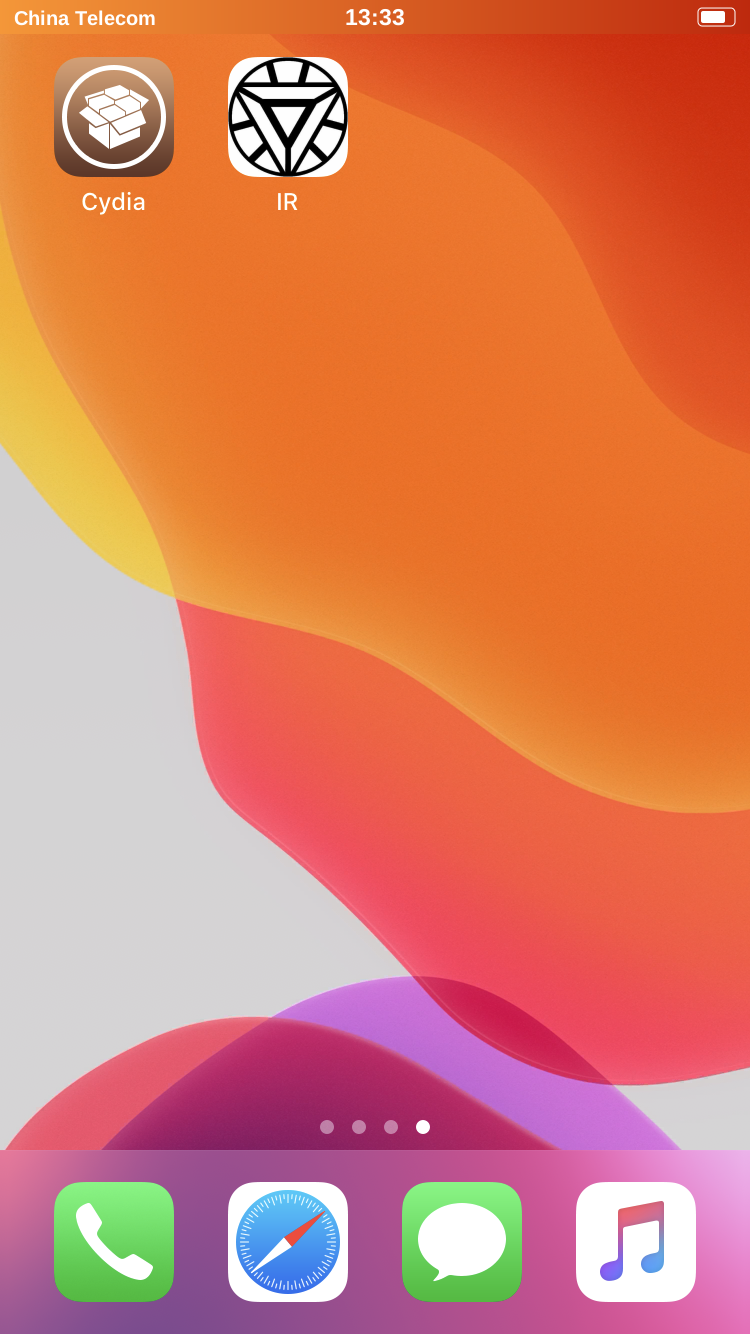
Install IR through Cydia
Tools with similar functions can conflict with IR. Remove them before installation.
- Open Cydia from the Home Screen on your jailbroken iPhone.

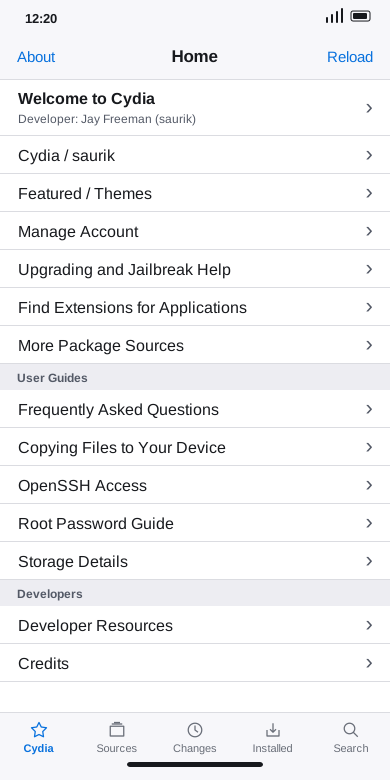
- Tap Sources in the bottom navigation.
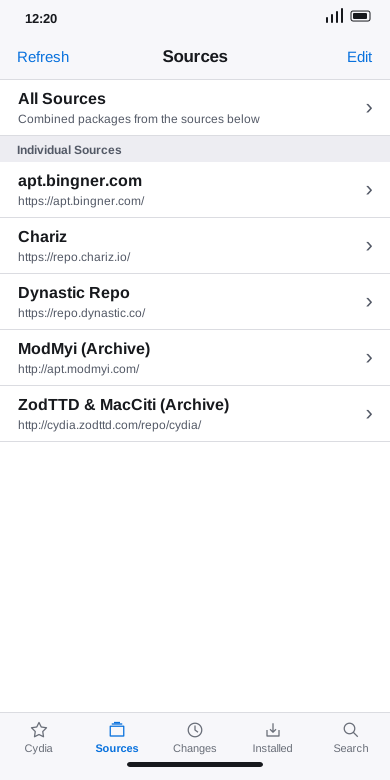
- Tap Edit in the top-right corner.
- Tap Add in the top-left corner.
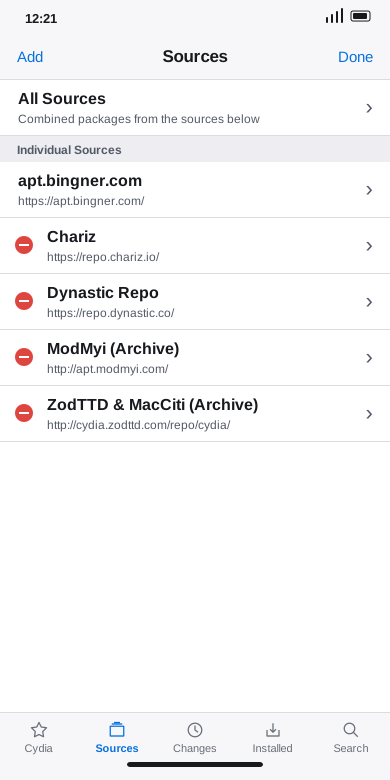
- Enter
https://apt.irapp.cn/and tap Add Source.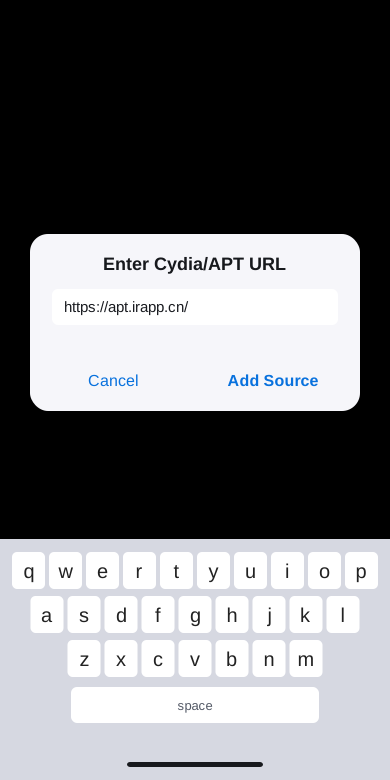
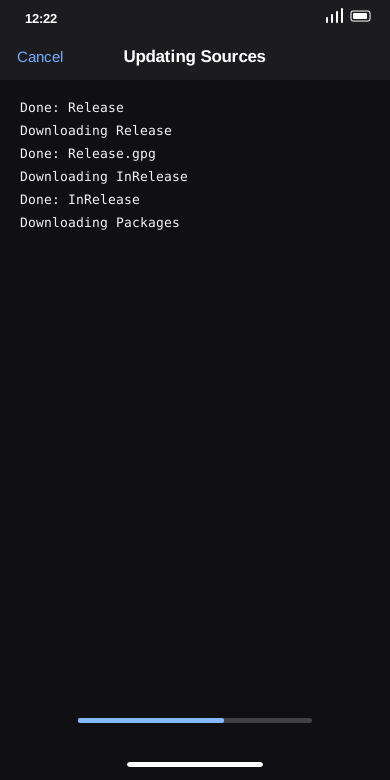
- Wait for Cydia to update the sources. Tap Cancel if the update stalls.
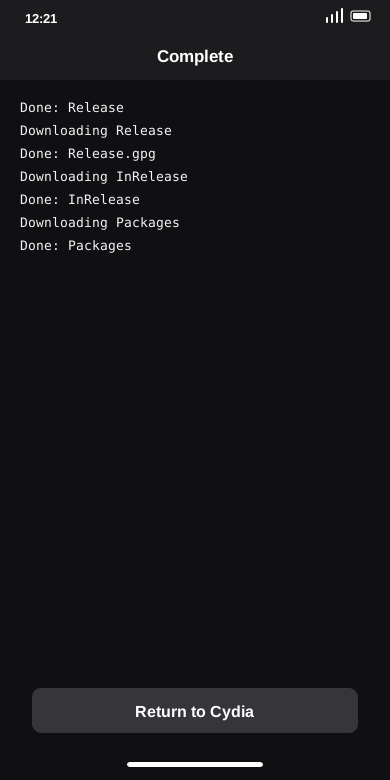
- When the update finishes, tap Return to Cydia.
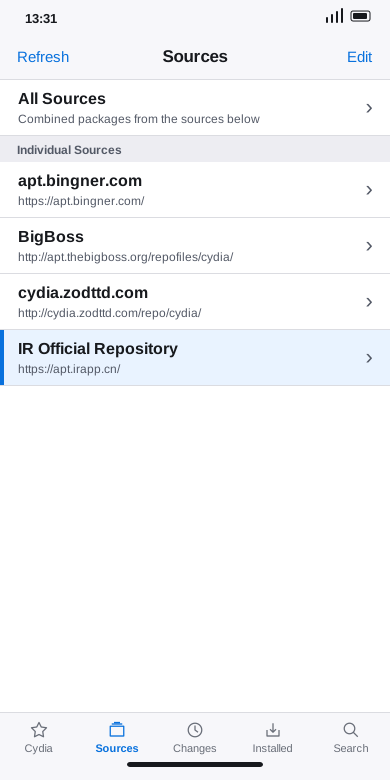
- Open IR Official Repository.
- Open the IR Jailbreak Concealment section.
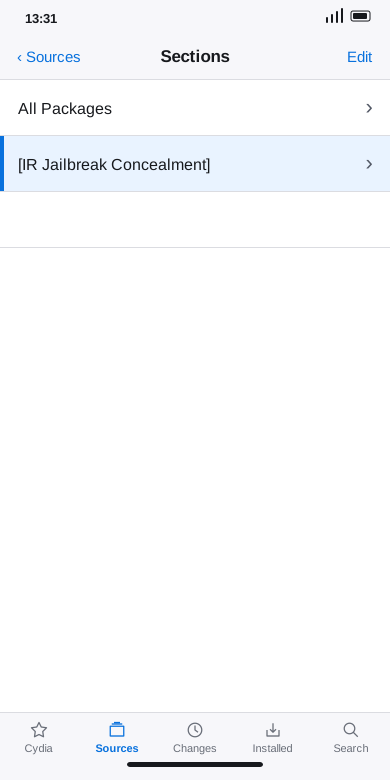
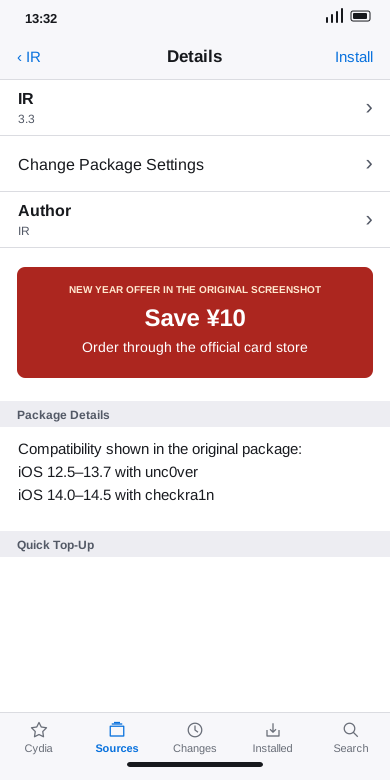
- Open IR, tap Install and confirm the installation.
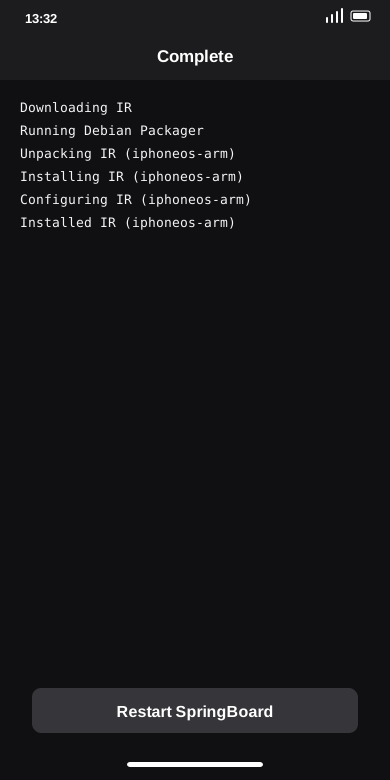
- Wait for Cydia to download and install the package. When it says Complete, tap Restart SpringBoard.
- Open IR on the Home Screen after SpringBoard restarts.